This project began when I was trying to help a visually impaired man find a Bible app that would make it easier for him to listen to the Word of God. Most of the apps we looked at involved lots of button presses, going into menus and clicking small controls that were difficult for him to see and navigate – so I decided to build something simpler.
The result is a voice controlled Audio Bible. You can say something like “John chapter 3 verse 16” and it will begin reading the Bible from that point continuing through the following verses and chapters until you stop it. The app uses the King James Version (KJV) because that was the version he asked for.
Accessibility has been a major part of the design:
– The interface uses high-contrast colours designed to meet WCAG colour contrast standards.
– I’ve also use ‘Atkinson Hyperlegible Next’ – a font designed to be easier to read for people with low vision.
It is a Progressive Web App (PWA), so it is not downloaded from the Google Play Store. Instead, you open the website in Chrome on an Android phone and choose Install app. It can then appear on the phone like a normal app, with its own icon.
Visit https://audiobible.djbni.uk to try it out.
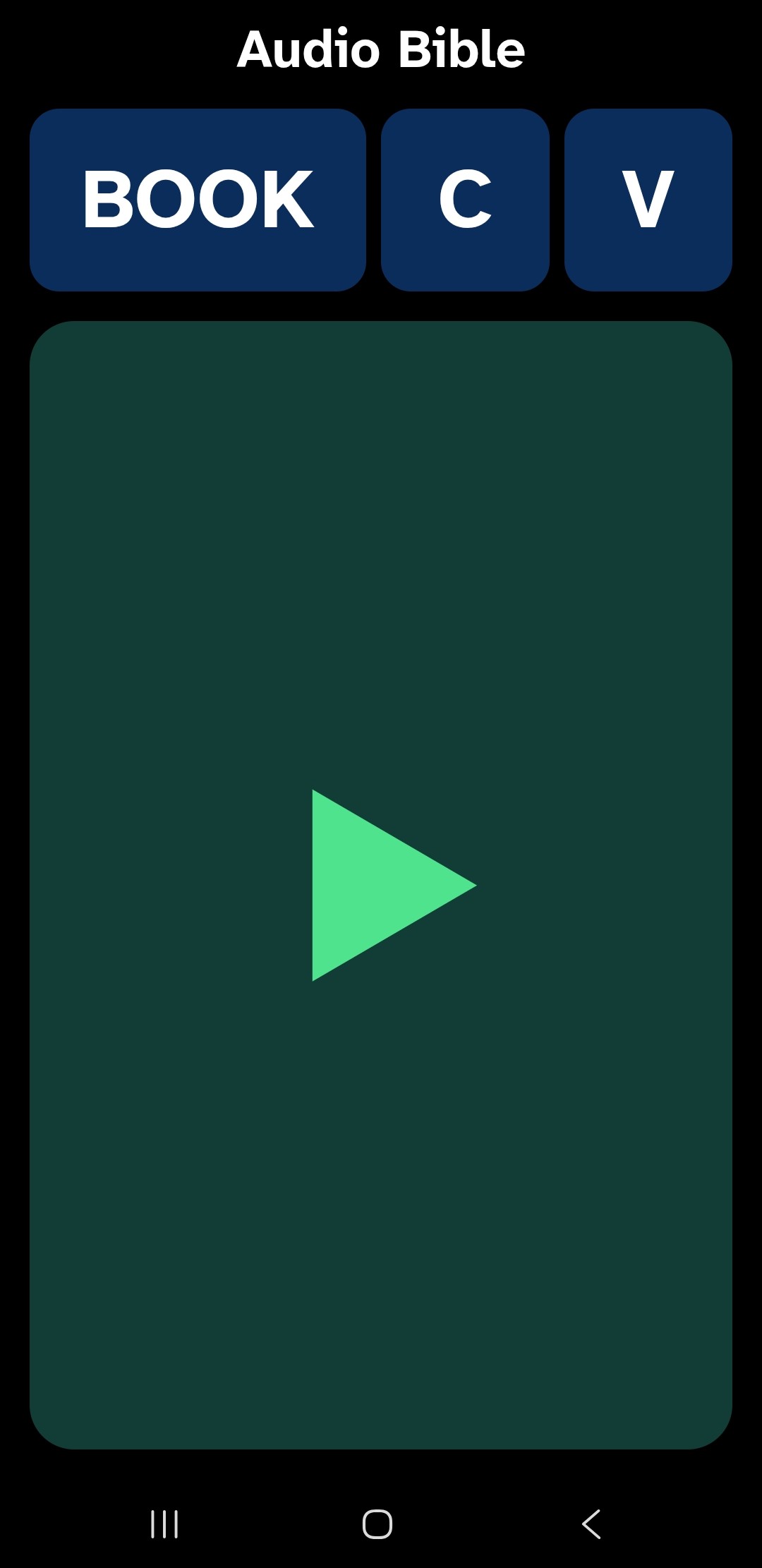
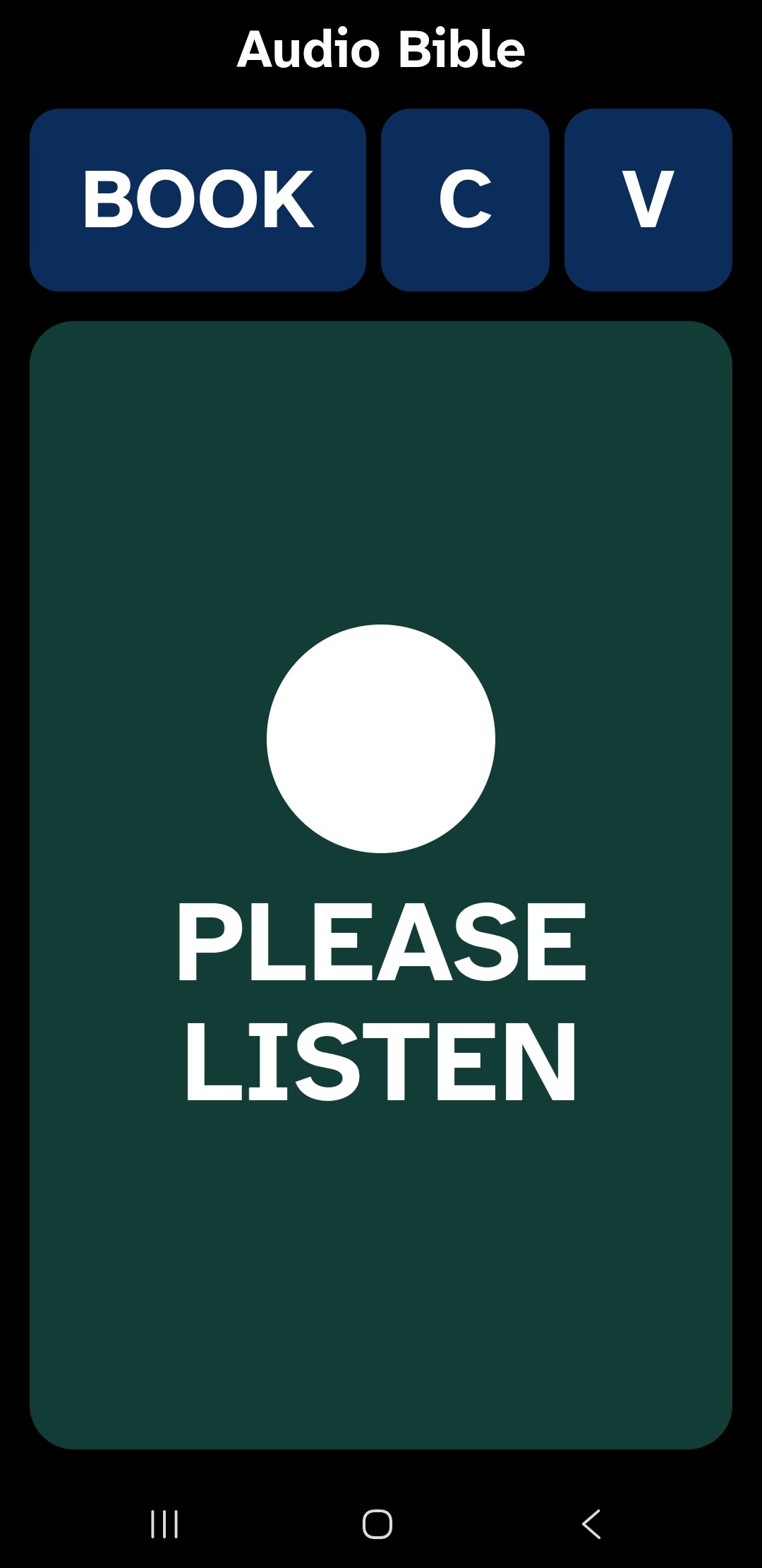
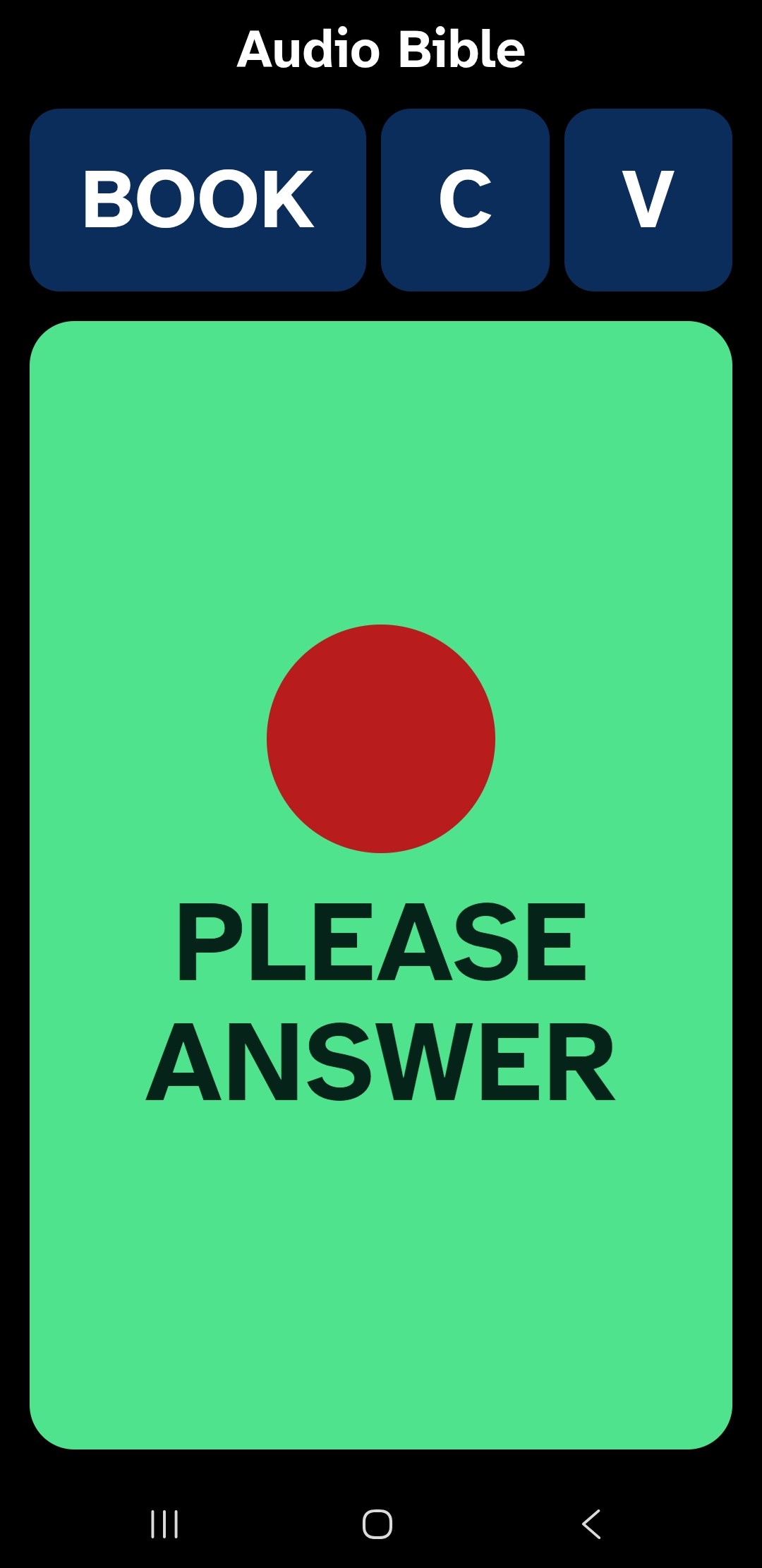
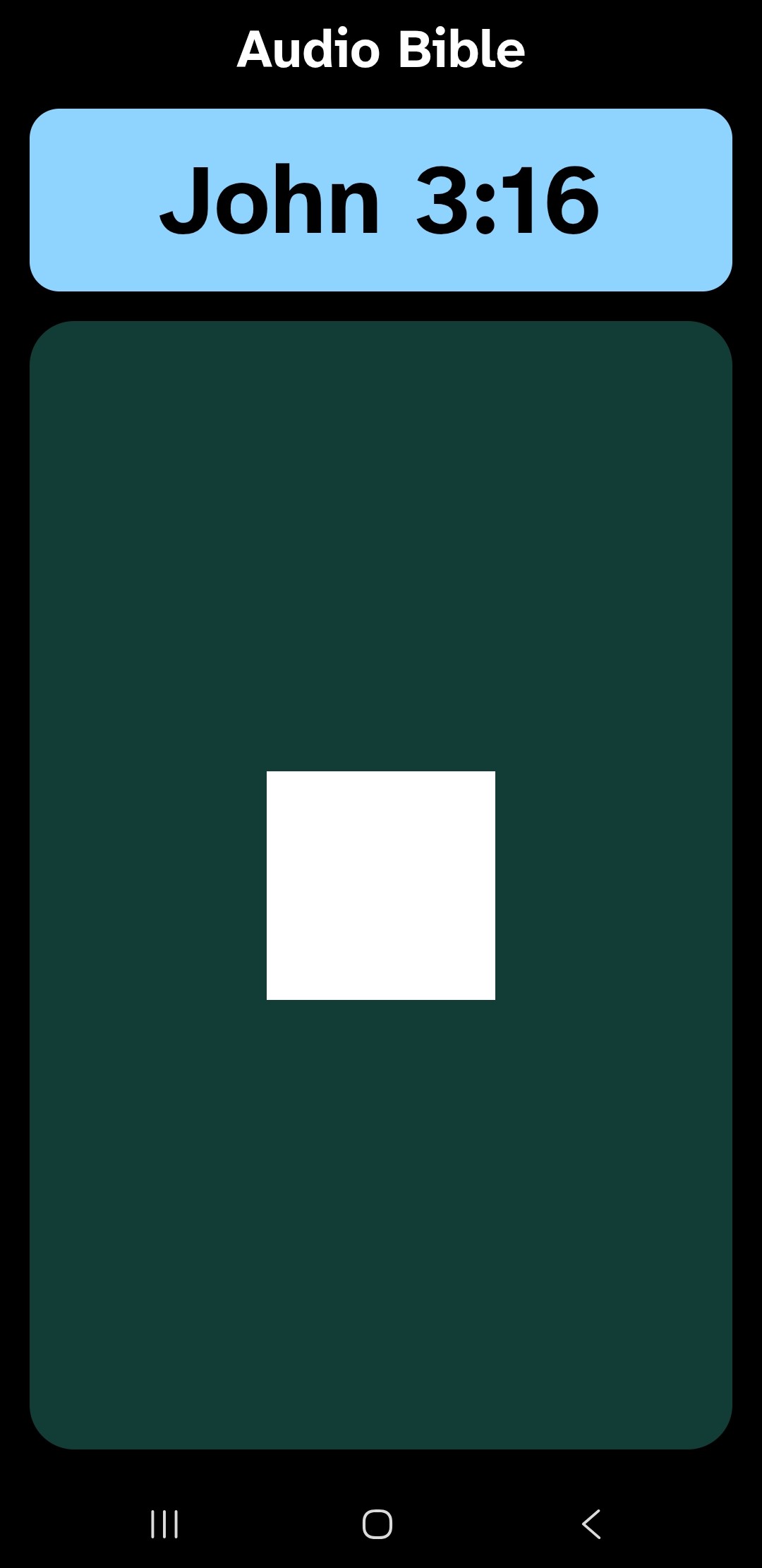
Here’s a video of it in action: